Project 3 - Leadpages [3 months]
Skip?
What is it?
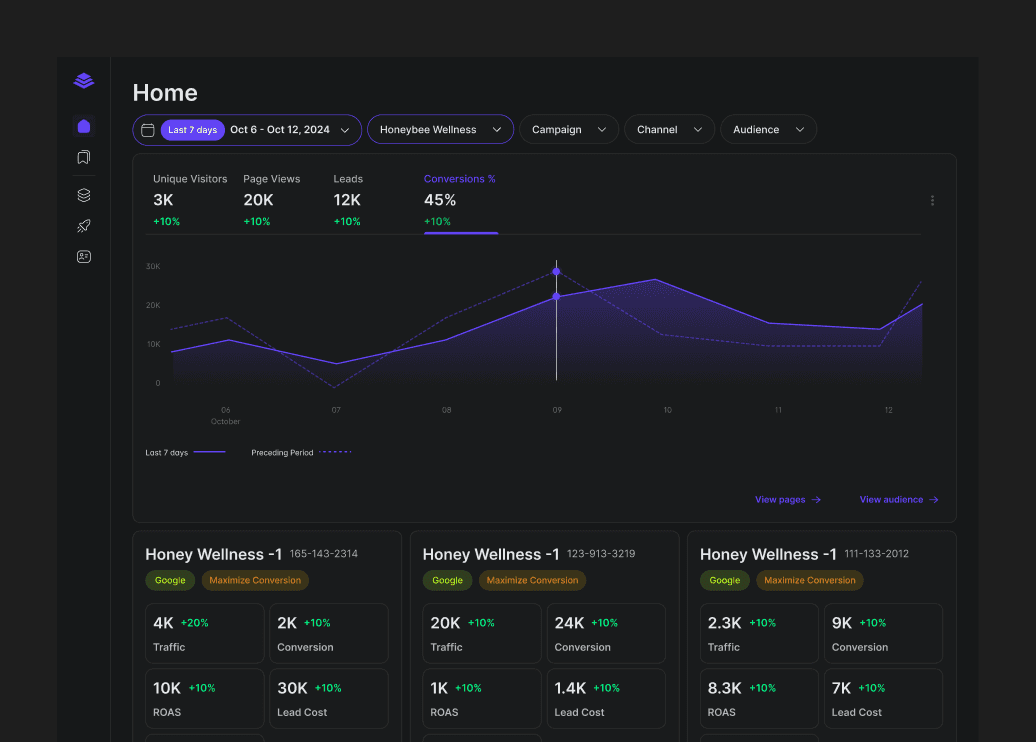
Data analytic dashboard for marketing landing page with customer.ai integration
Collaborated with:


Problem statement
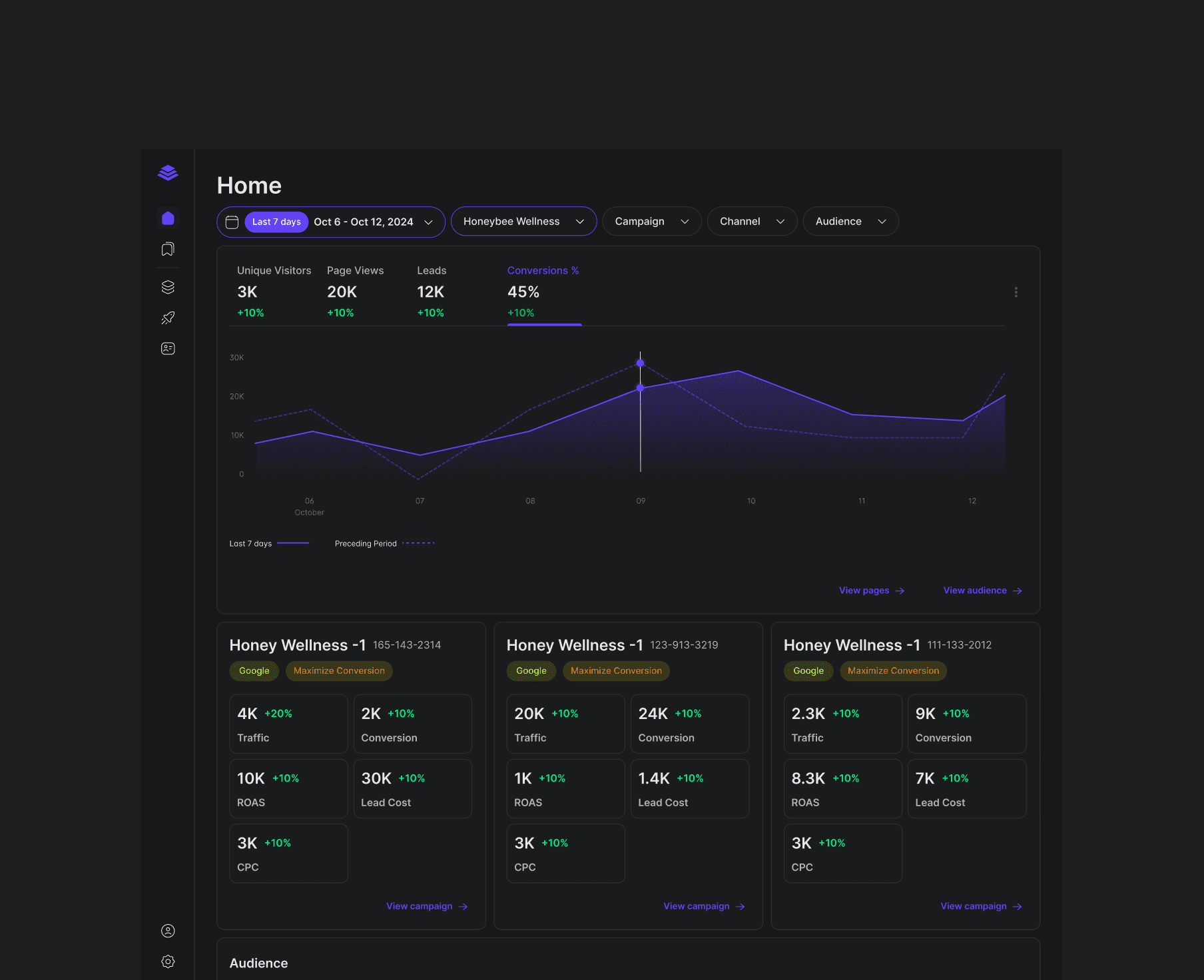
Leadpages needs UX/UI design revamp and data analytic dashboard for their users. Data analytic dashboard have dense information. They require visual specialization and organization to reduce cognitive loads.
Leadpages's main user are marketing professionals who wants to create a landing page quickly and manage their audience.
My task was to design a new data analytic MVP dashboard.
Understanding Leadpages
I wanted to understand the followings:
What is Leadpages?
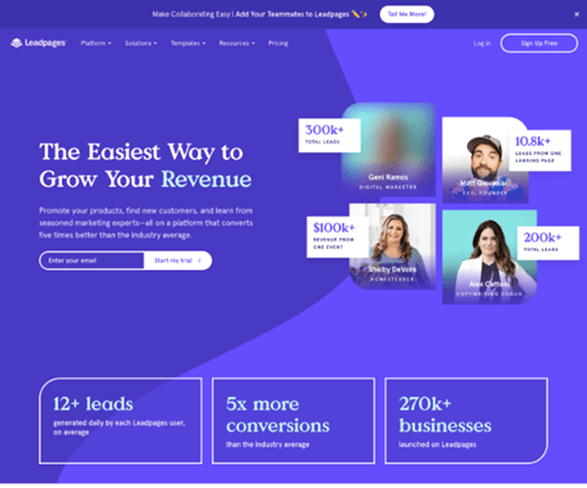
Leadpages targets marketing professional or businesses to create landing page quickly with focus on conversion and leads for their business.
What does it wish to do?
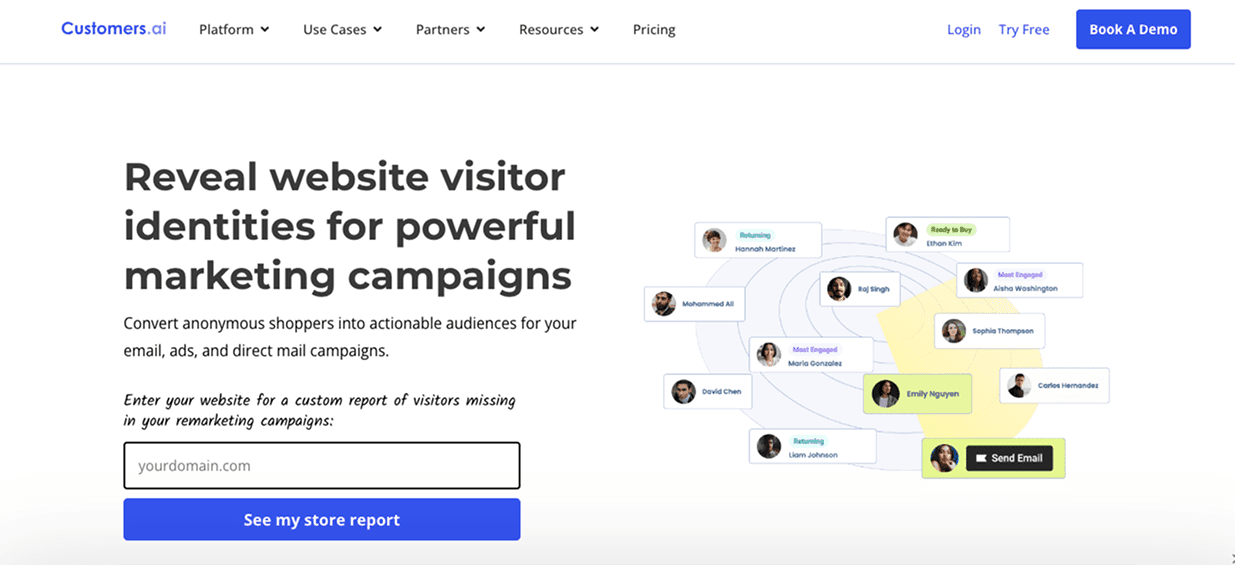
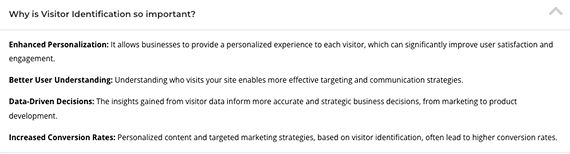
They wished to integrate data insights in visitor identification for better conversion & retention for users through third party platform customer.ai.
Features included:
Growing email list
Finding ideal customer directly
Enrich leads with consumer data
What is the brand direction?
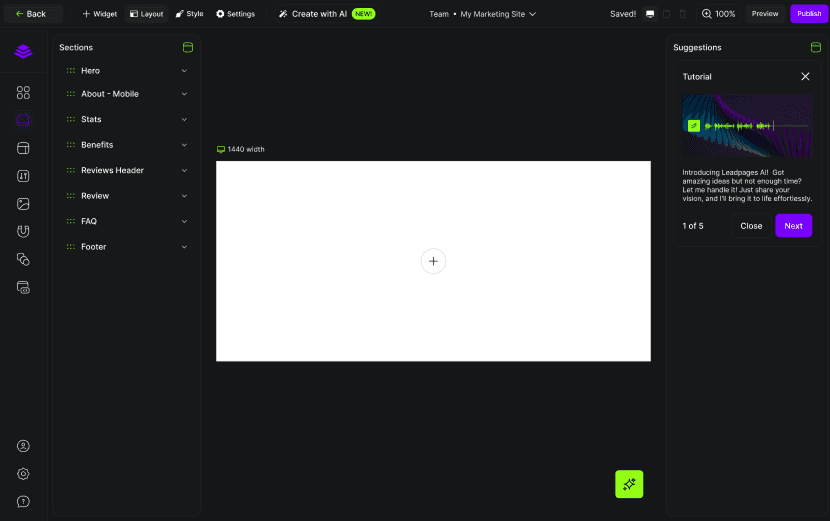
They were rebranding at the same time with more polished and established design system with AI feature integration for faster landing page creation for their users.
What is Leadpages to the users?
User recognizes Leadpages as a platform to launch live website with optimal loading speed to generate leads and collect data.
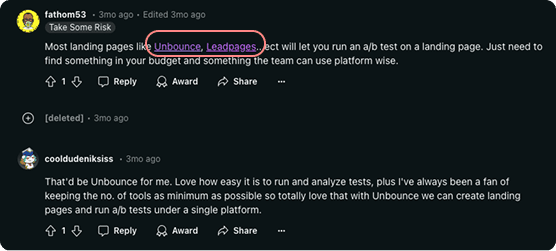
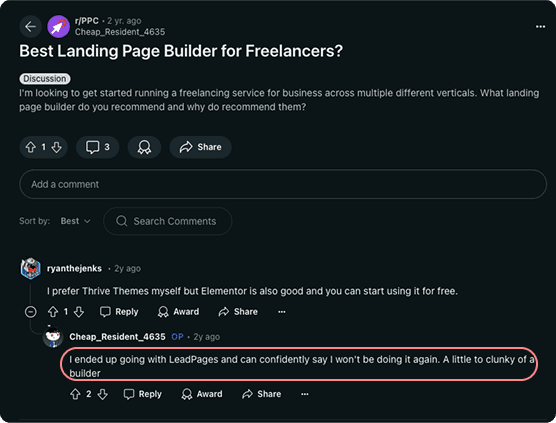
User finds Leadpages to be clunky and preferred the direct competitor, Unbounce.
Research & Analysis
I conducted benchmarking on leading industries with data analytic dashboard.
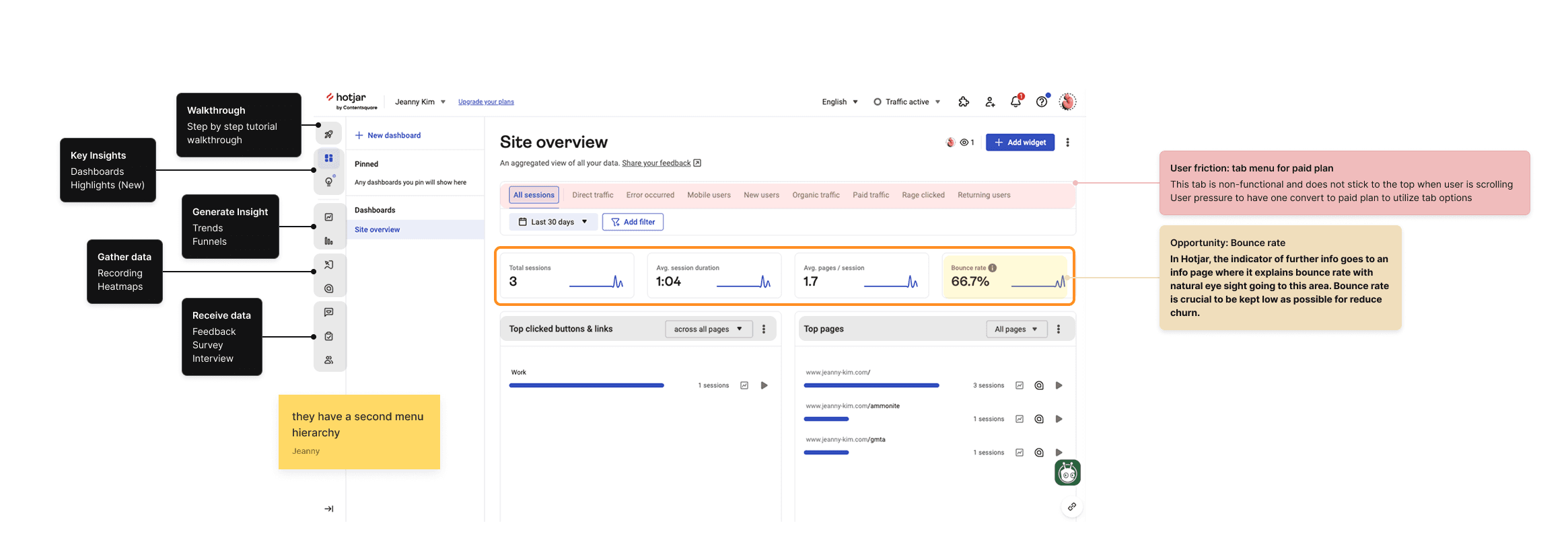
Hotjar
Group relevant data and highlight negative data to ensure action of improvement.
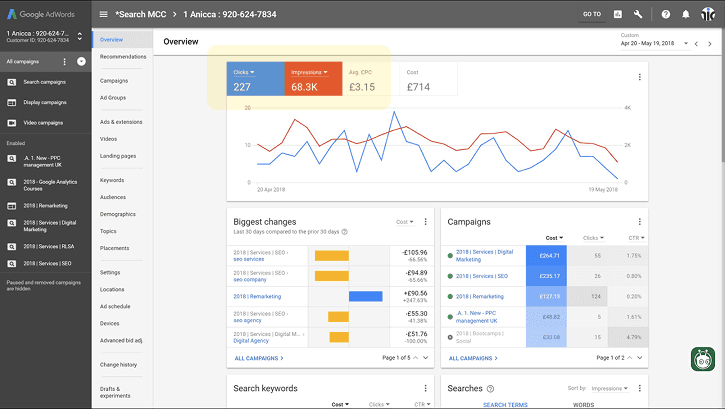
Google Campaign Ad
Dropdown that would trigger graph view change visualizes data and naturally provides user insights.
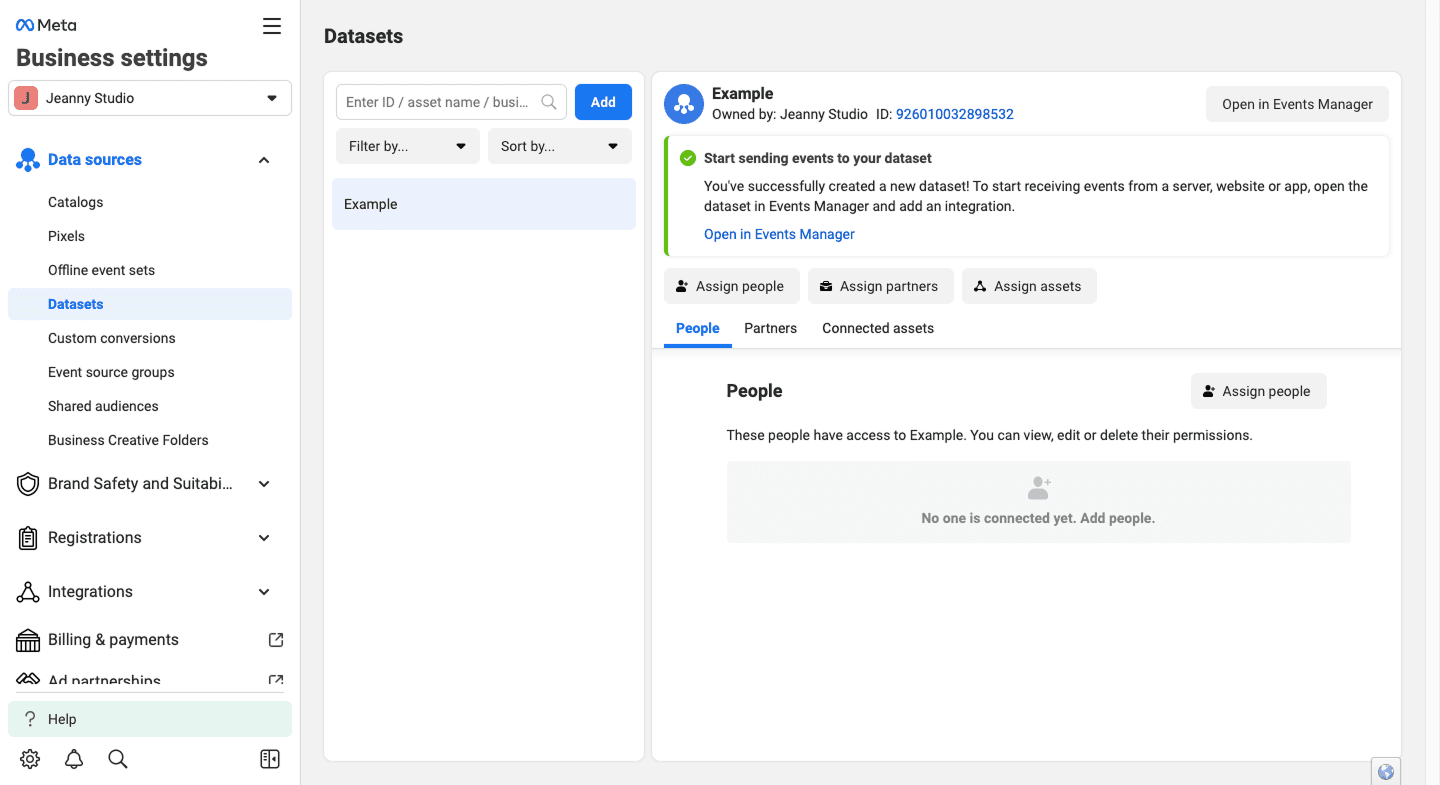
Facebook Ad
Depending on user’s priority, ad data revenue can be changed and altered to fit specific niche.
Low fidelity Wireframes
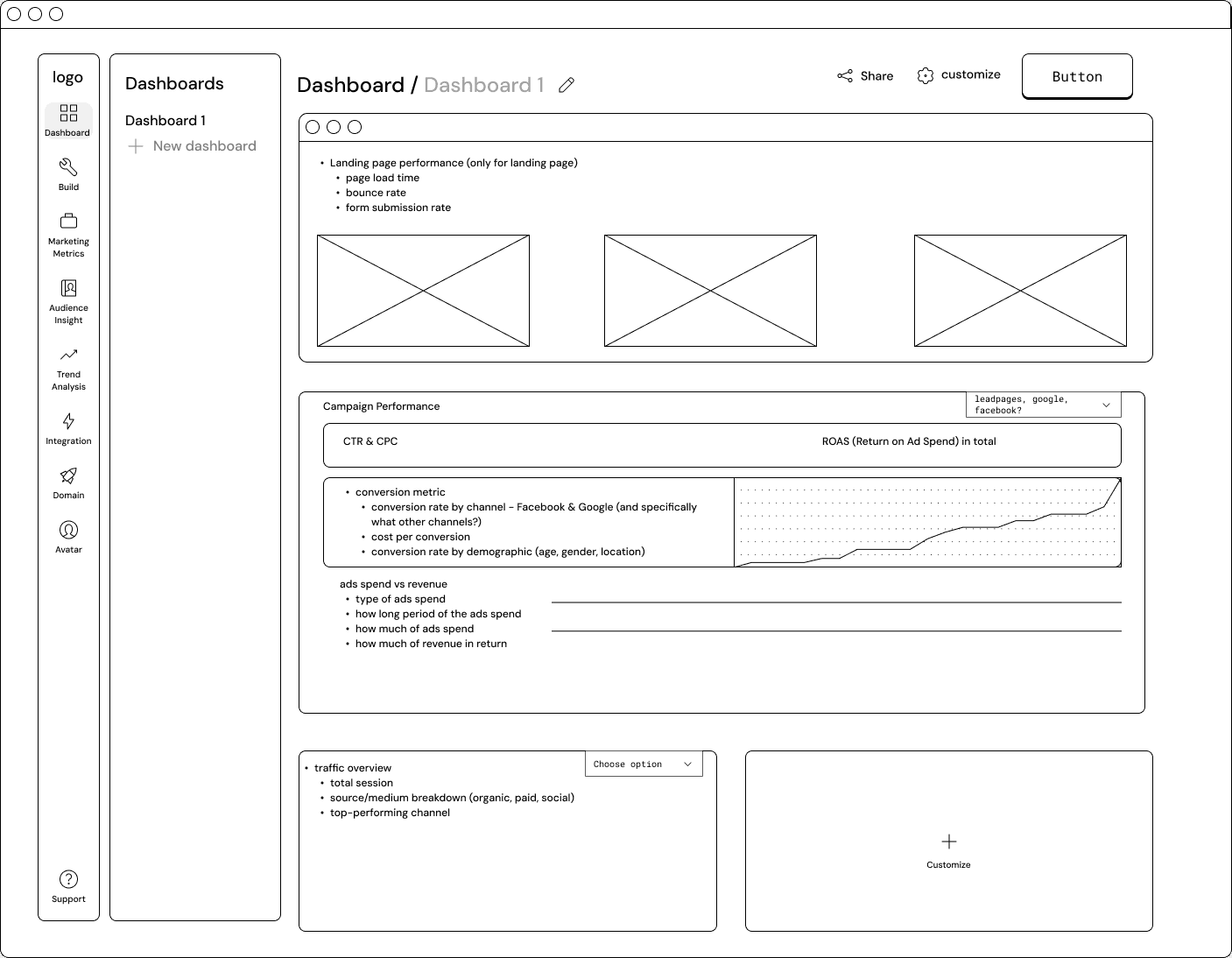
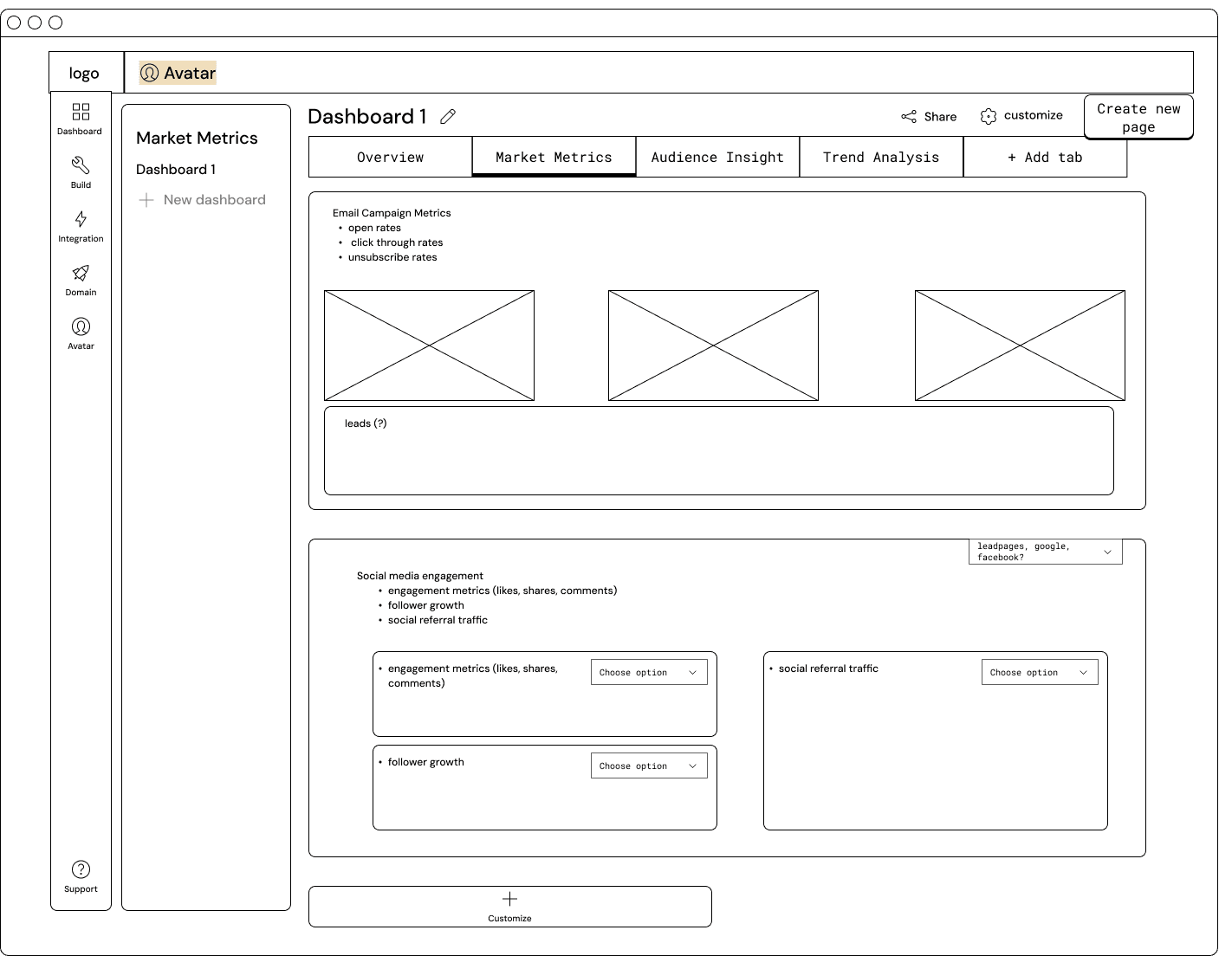
Initially I wanted to organize the heavy informations in categories that user could easily navigate.
Version 1
Expanded menu
Version 2
Toggle tabs
Feedback & Insights
Feedback came from marketing leaders who are responsible for taking action from the data.
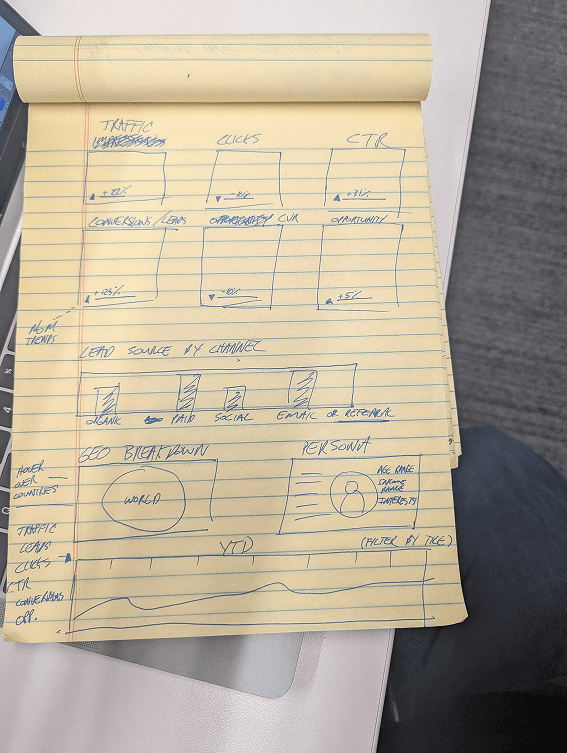
One dashboard
Users wanted to have one dashboard where they could scroll down to see more data.
Specific grouping
Users wanted data that requires action to be higher on the page.
Geographic breakdown
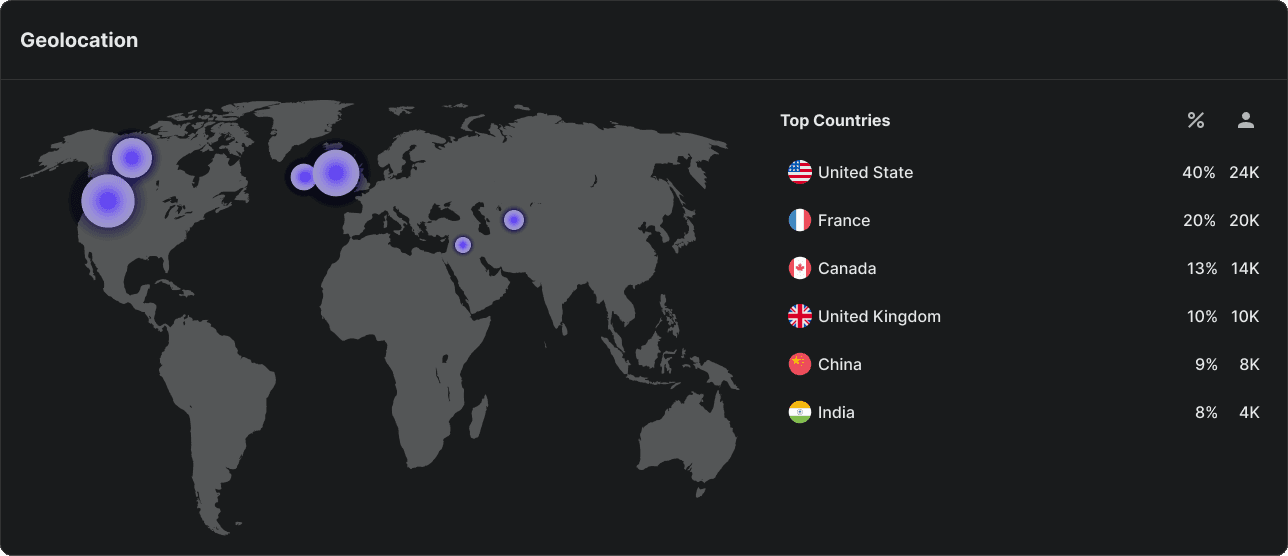
The user wanted to see a geographic information breakdown of visitors.
Information Architecture (IA)
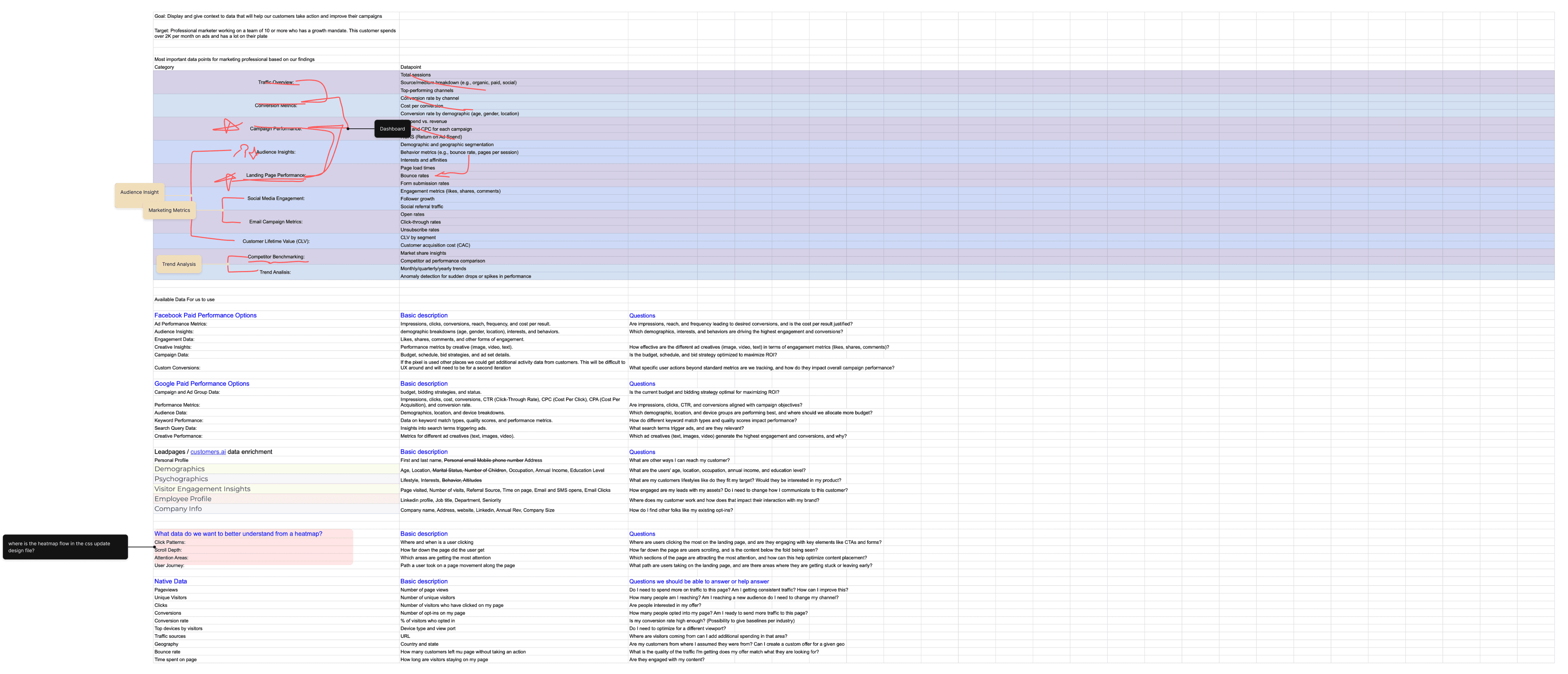
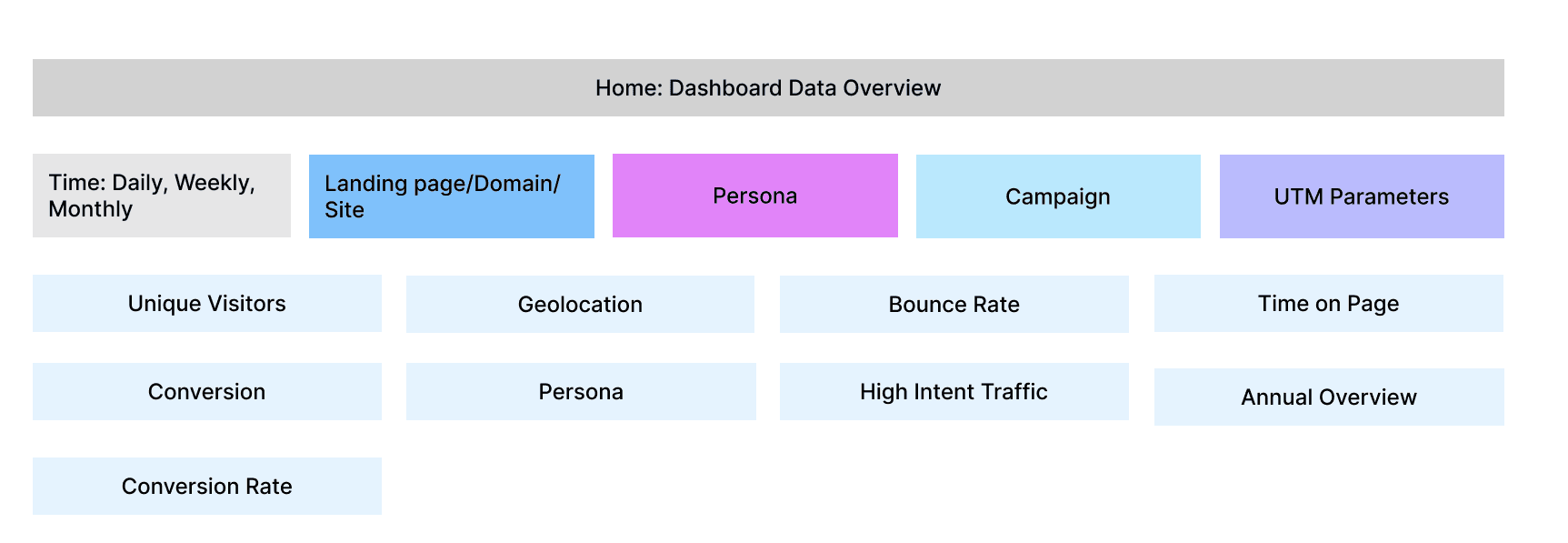
I've organized and prioritized what should be available for the data analytic dashboard through information architecture. After feedback from Micheal (CEO of Leadpages), I've also re-assessed the IA.
Primary to secondary hierarchy
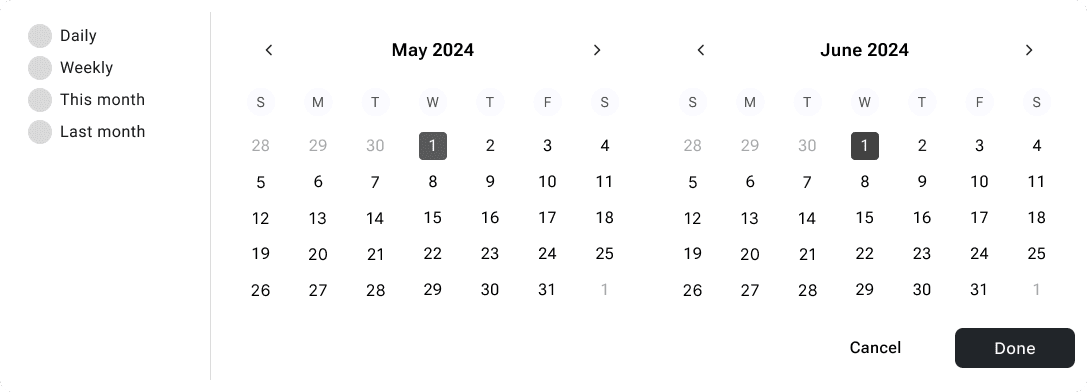
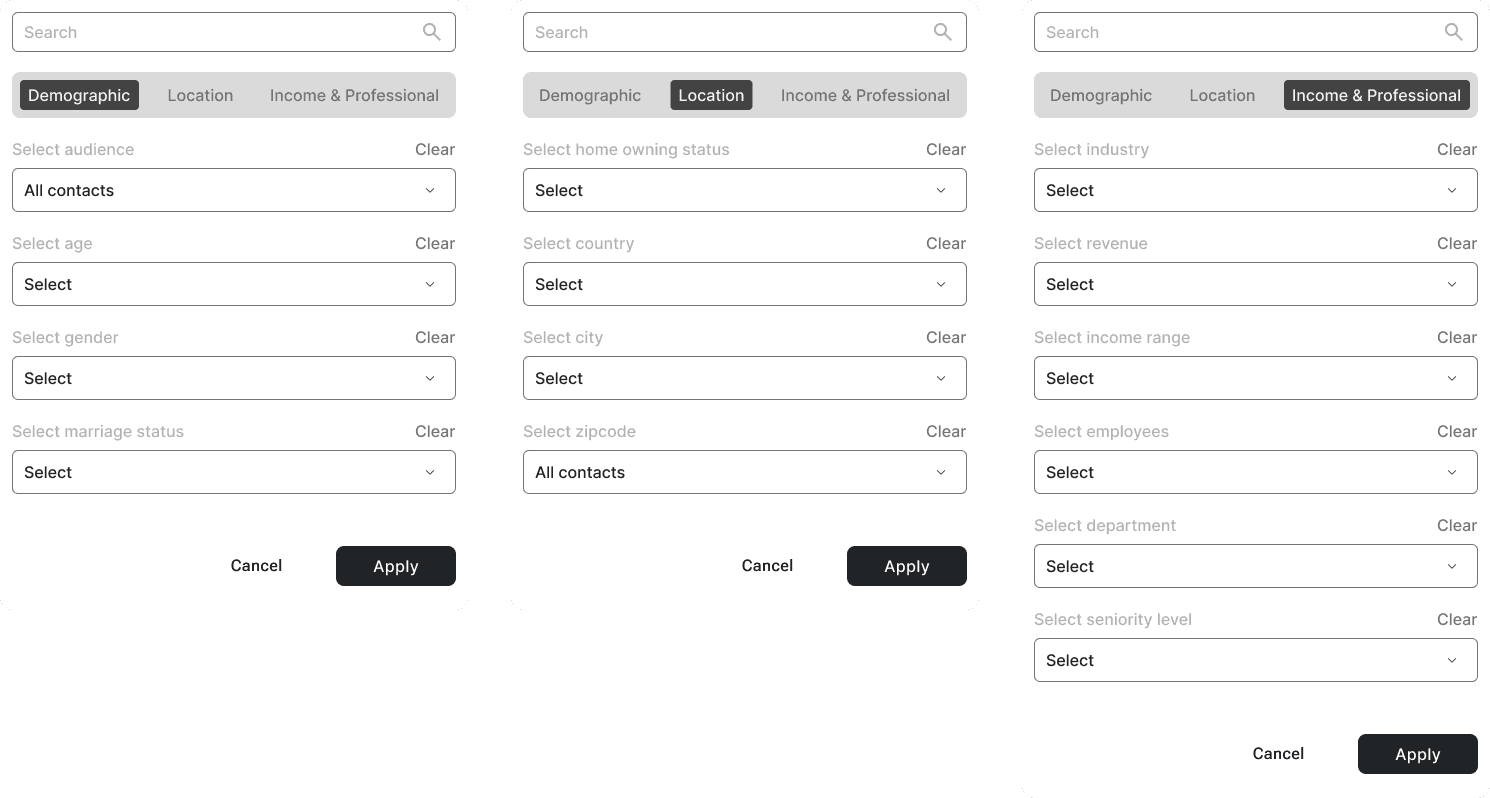
Within the dashboard, we've established filter system of time, domain, persona, campaign and UTM parameters.
Medium Fidelity Wireframes
After discussing and receiving feedback for information architecture and prioritization of data, I've iterated medium fidelity.
Trade-off
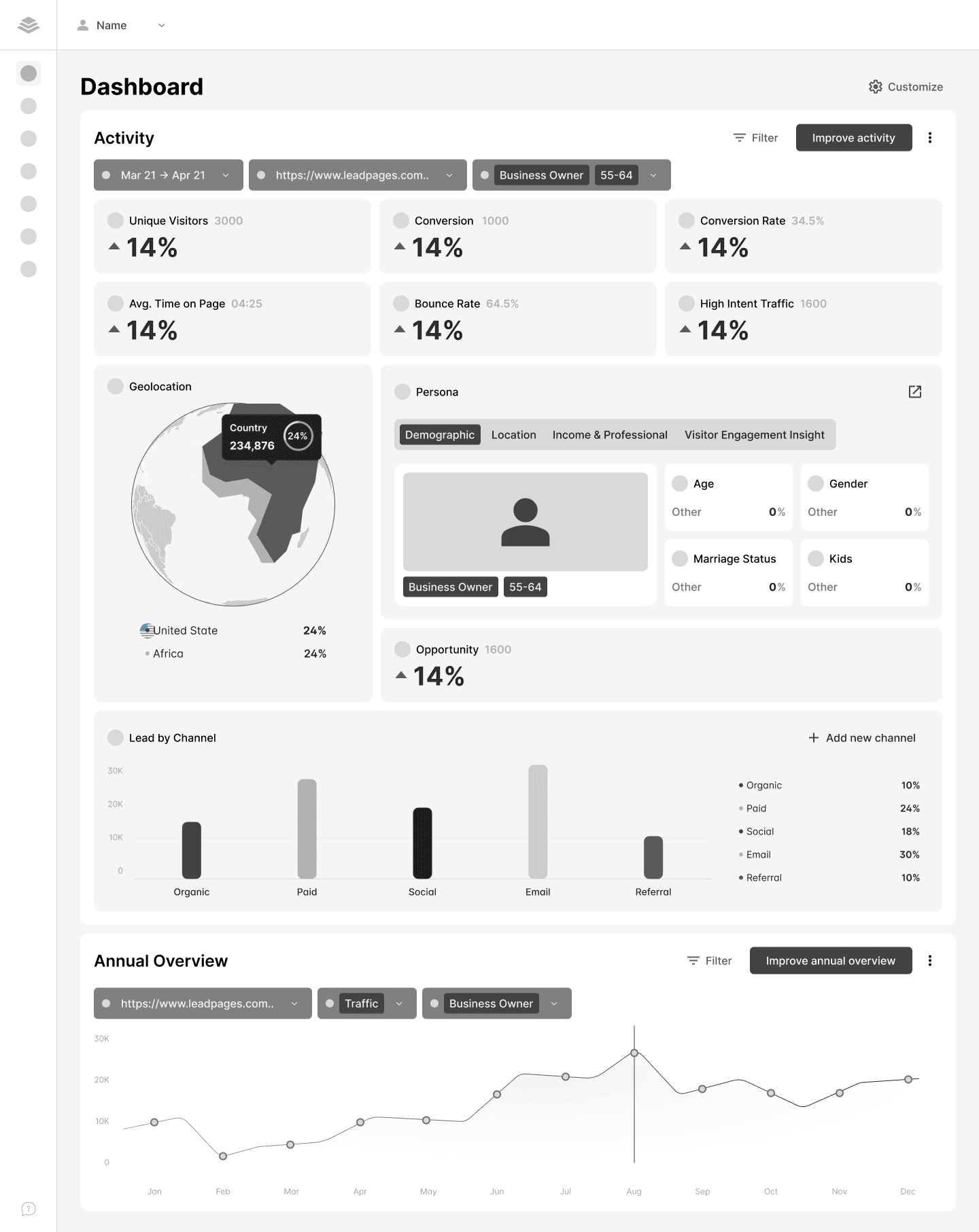
Filter iterations

High Fidelity Wireframes - Data Cards
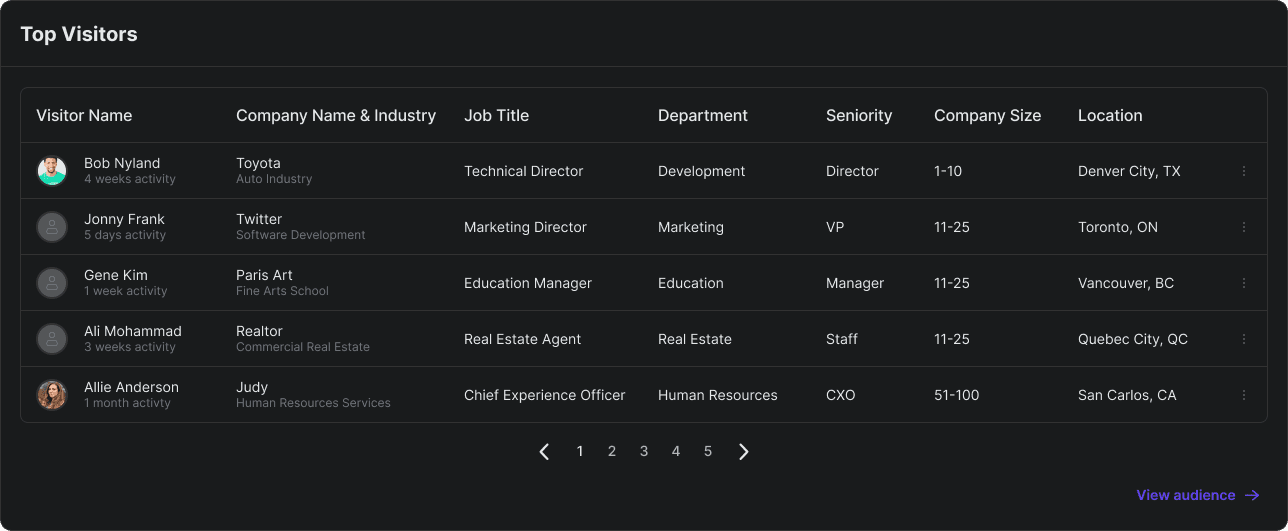
Top visitors
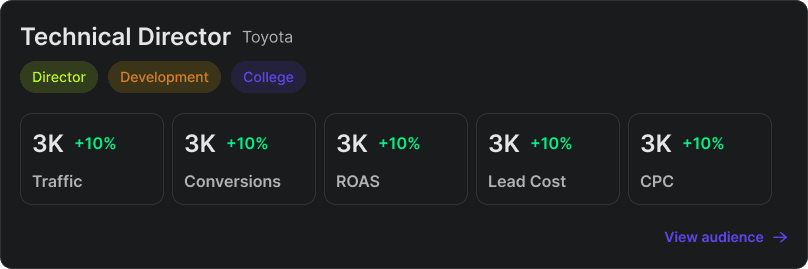
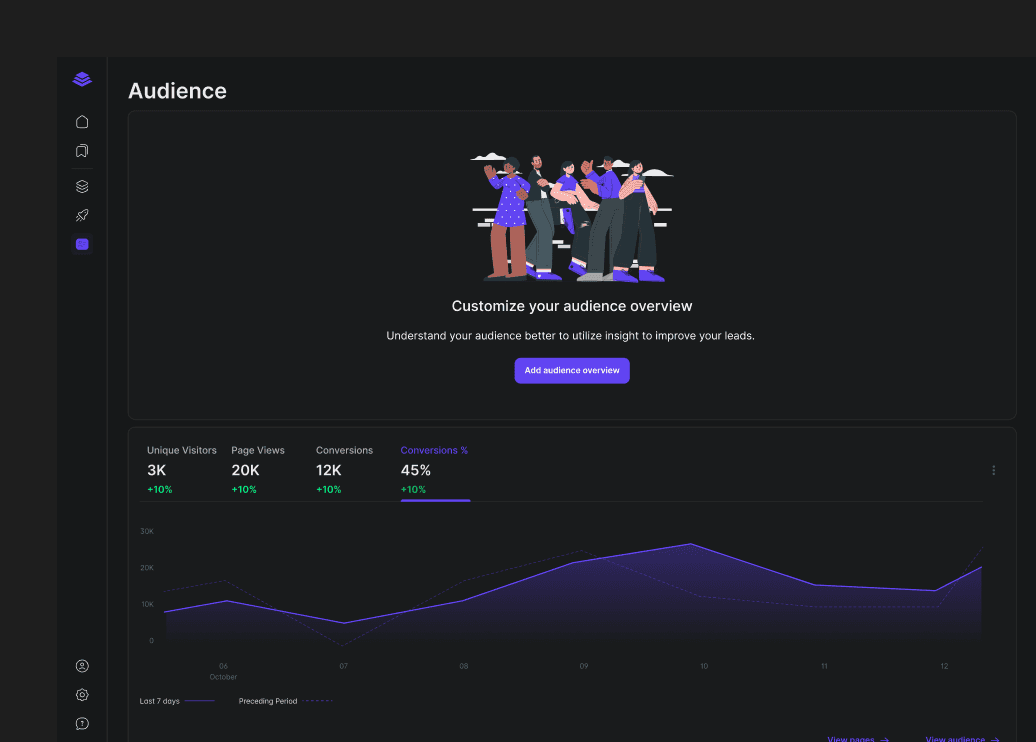
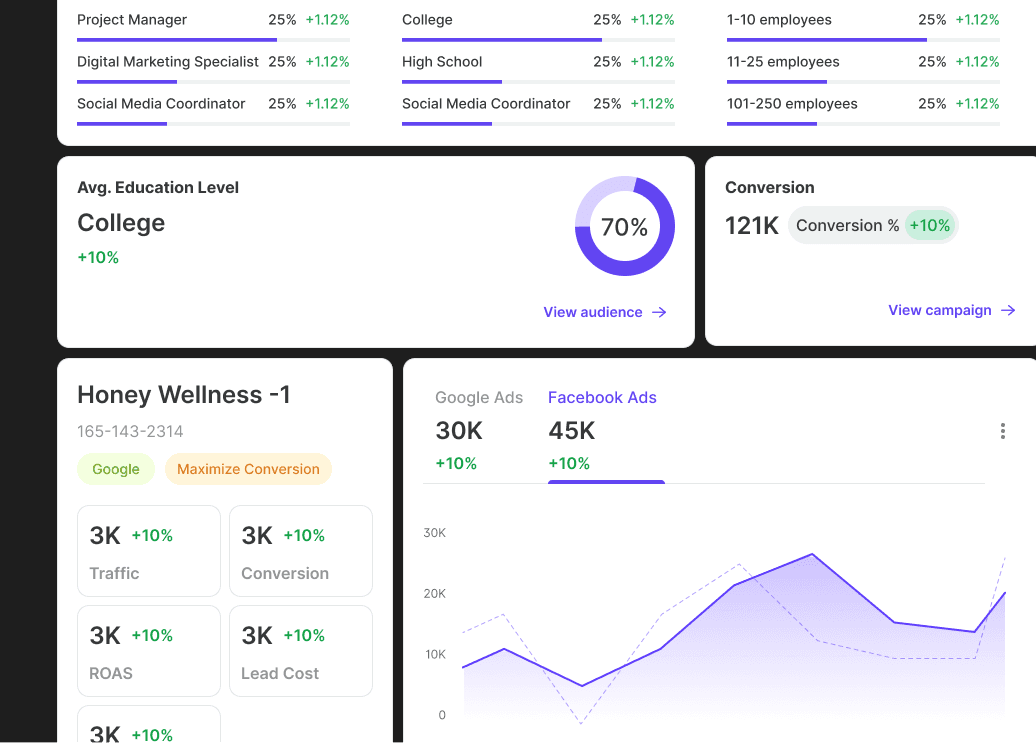
Audience - leads & visitor exploration
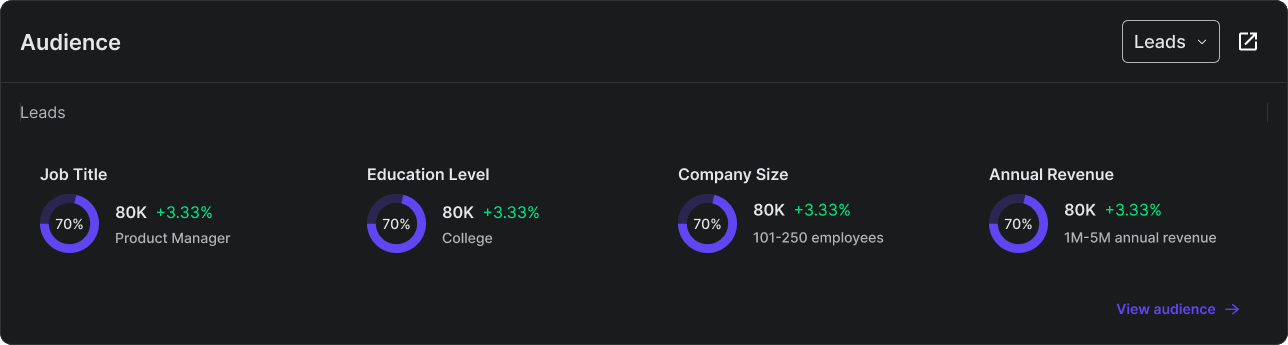
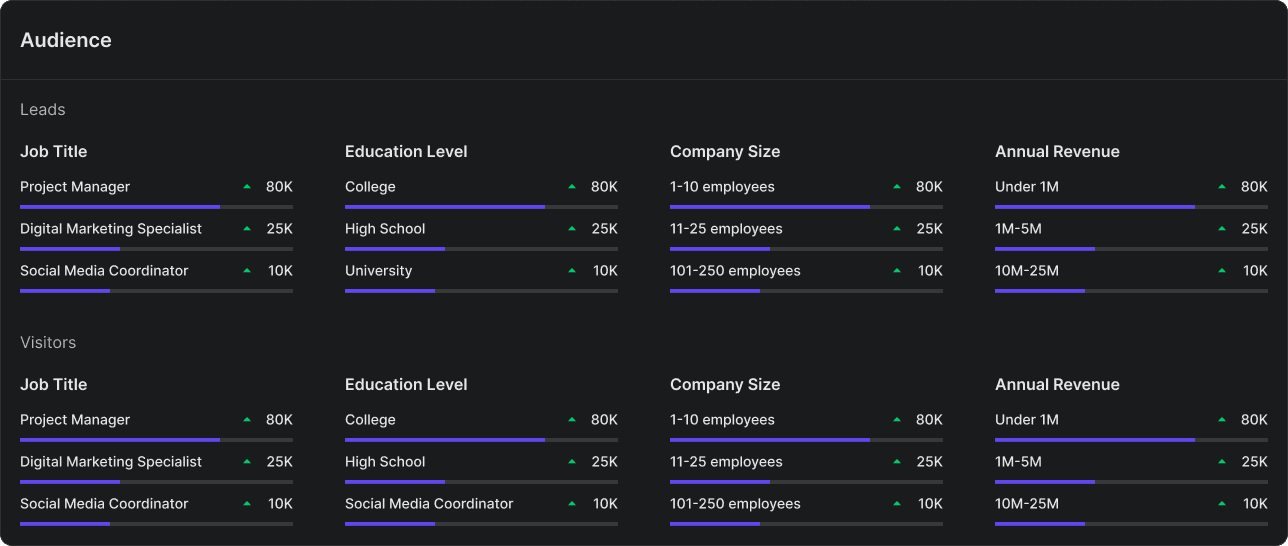
Audience - leads & visitor exploration
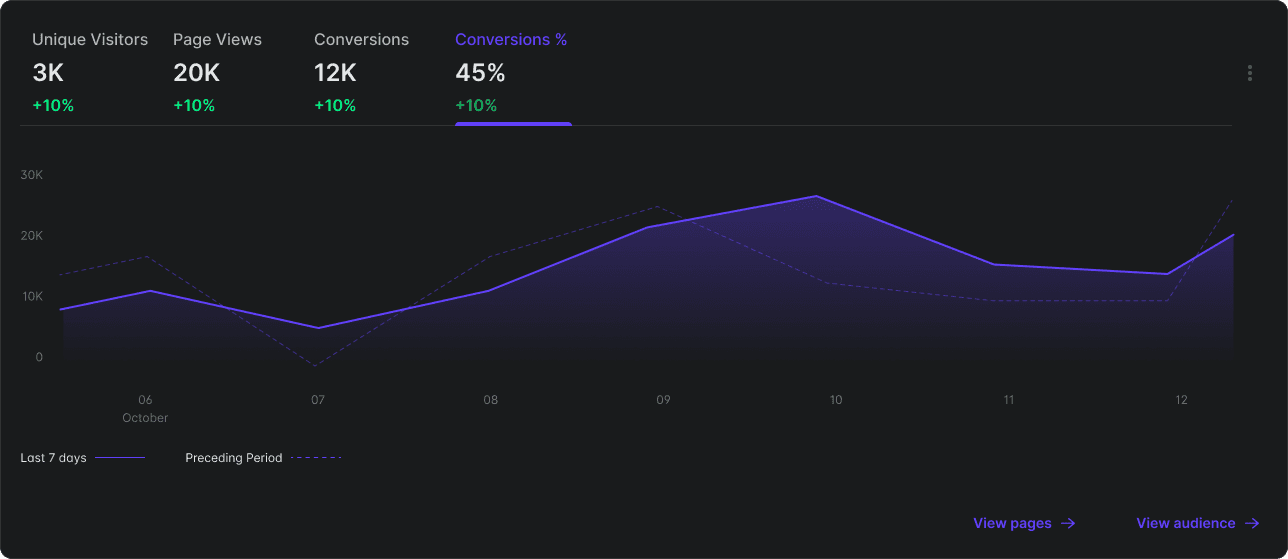
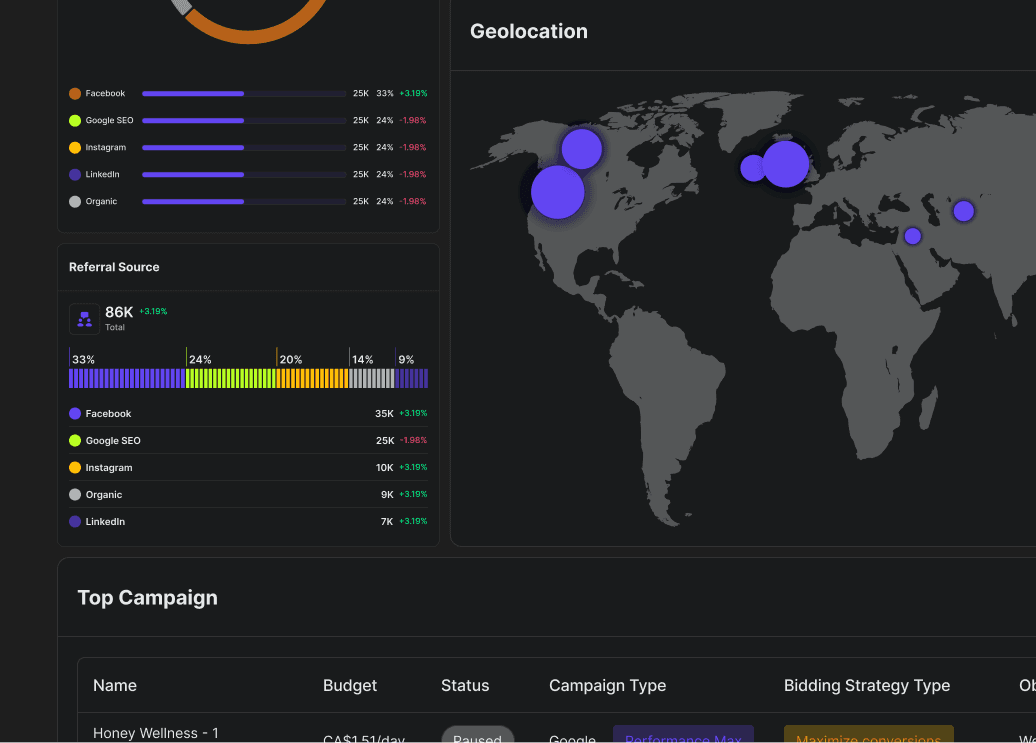
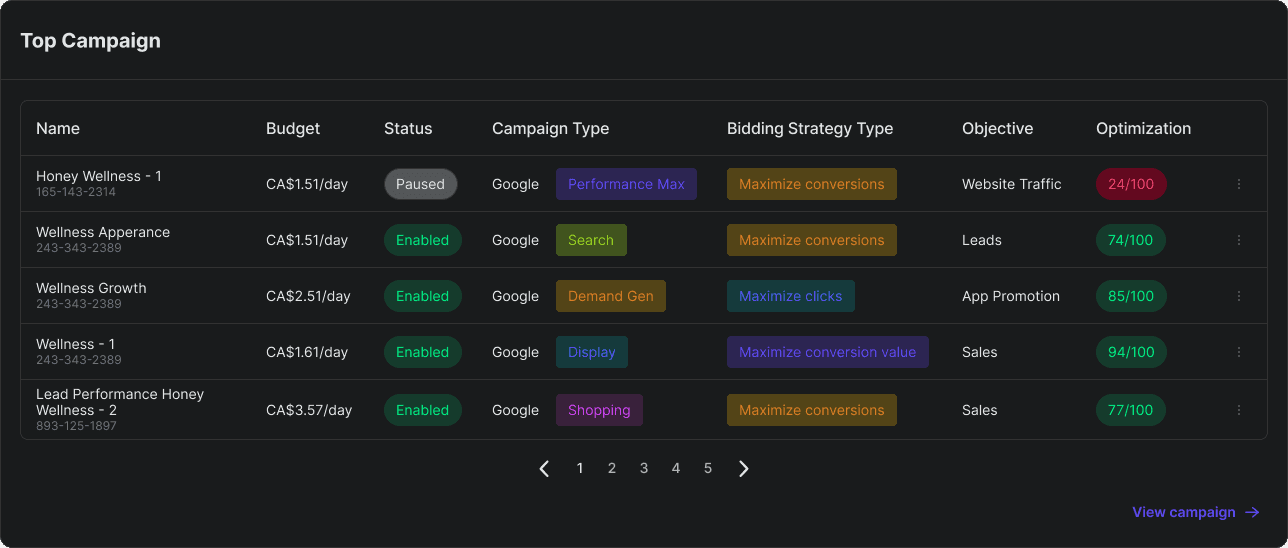
Top campaign
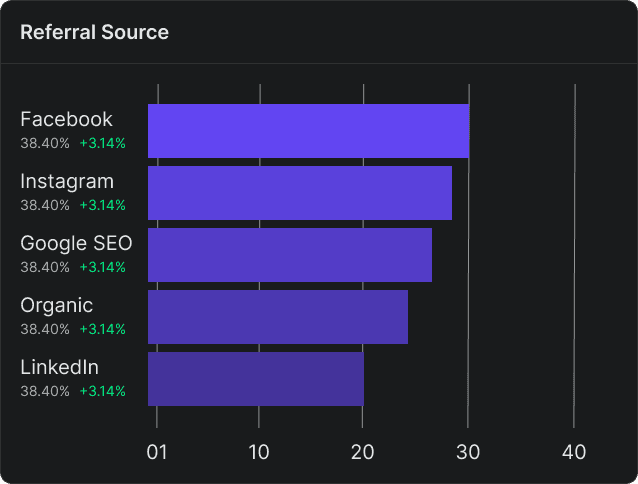
Referral source
Geolocation
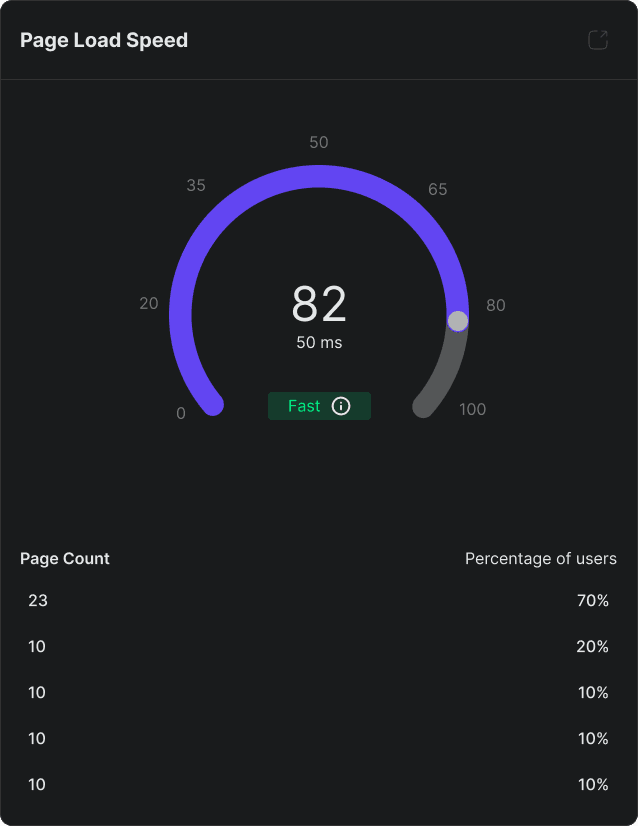
Audience - leads & visitor exploration
There is no final design direction for this project.
Project halted due to change in management. But, feel free to check out the depth of my work.